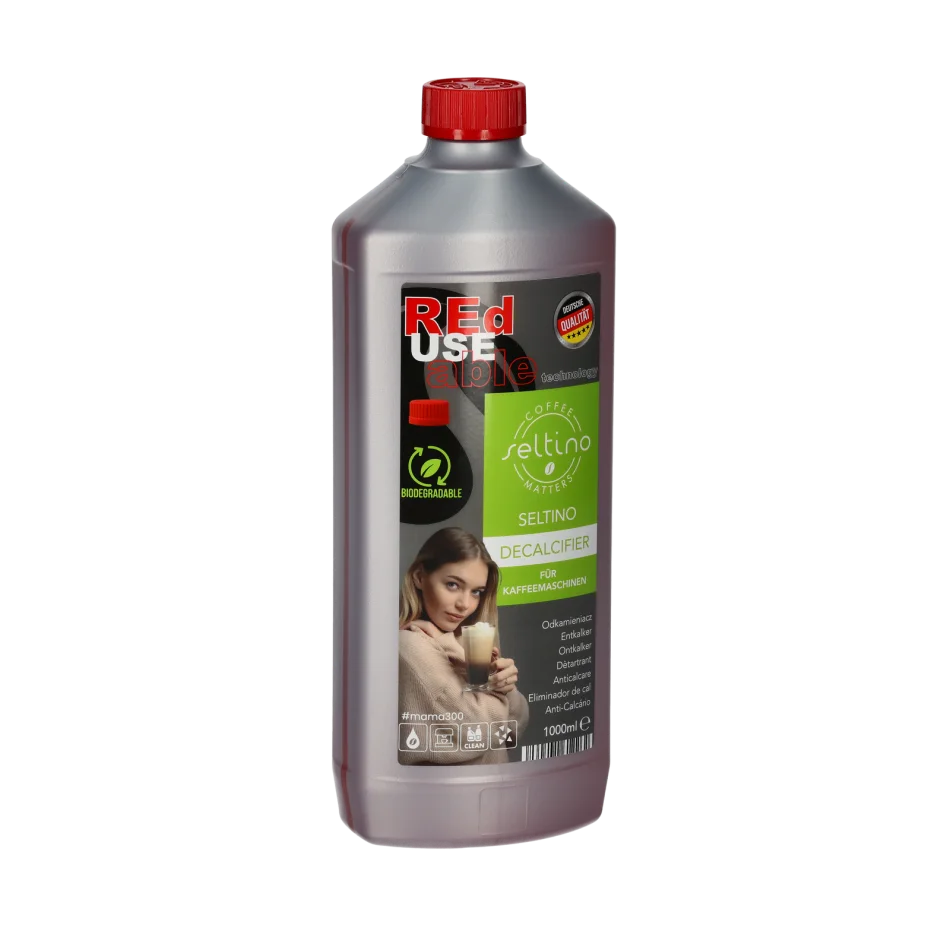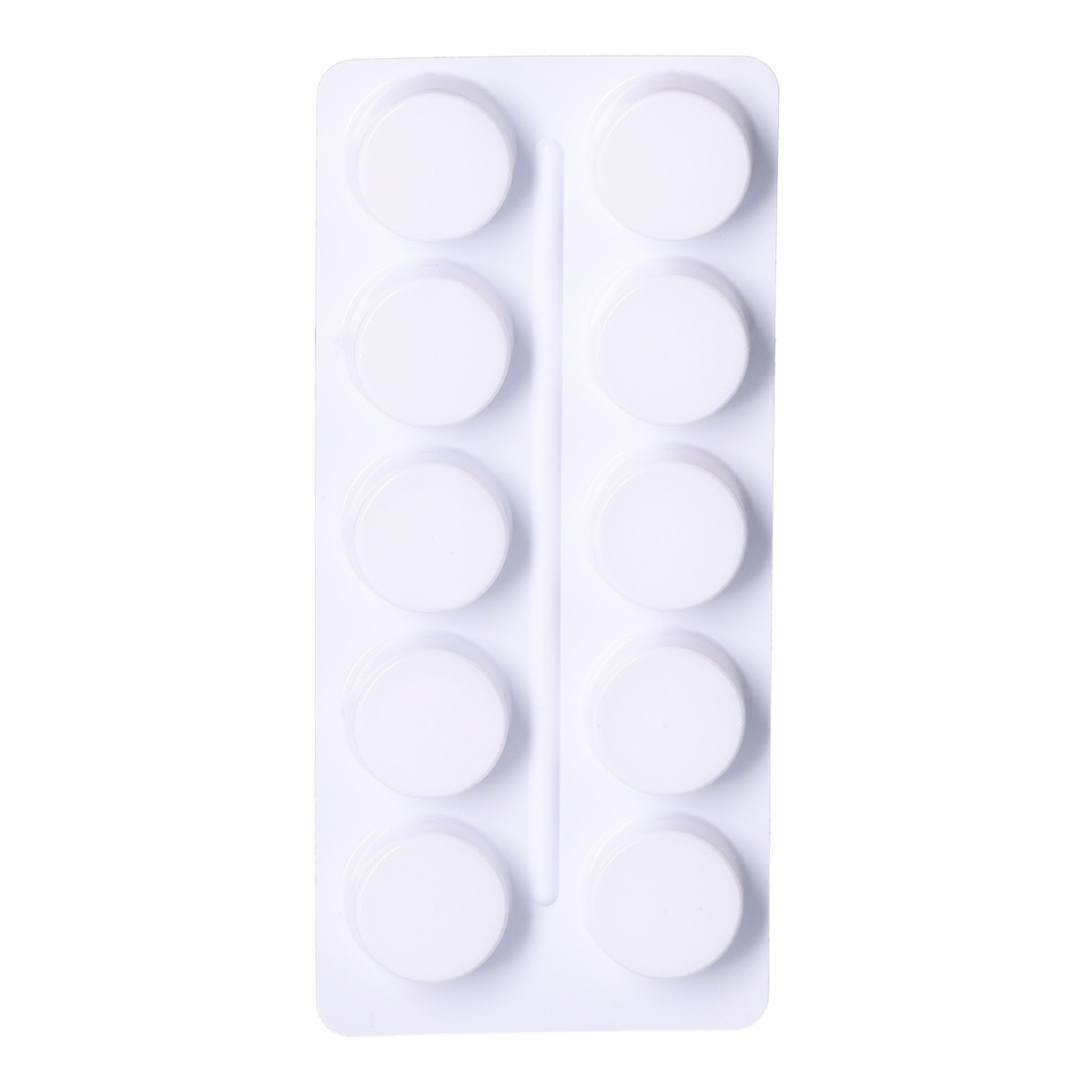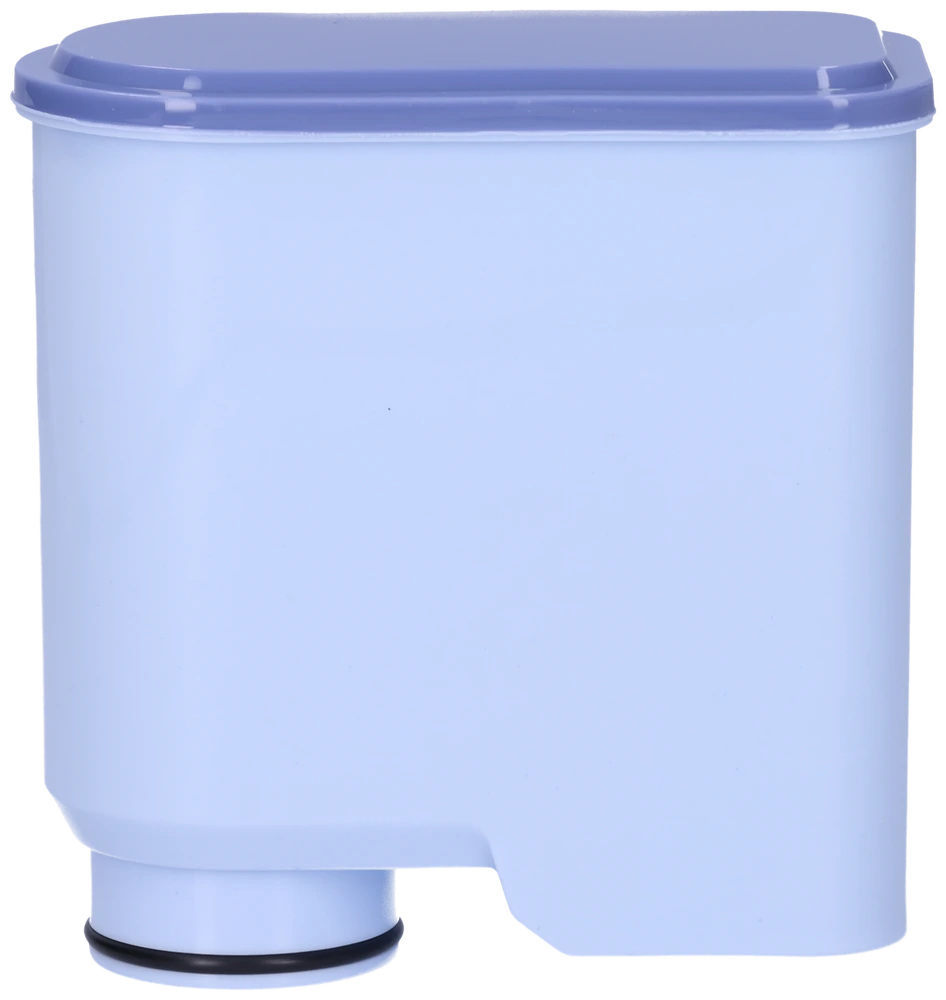
Seltino OCEA

Pack code: Seltino OCEA · CA6903

Seltino OCEA

For CA6903 cartridges · about 62 L / 3 months

CA6903 replacement · ~62 L / 3 months

Remove the old filter, soak the new one for 5 minutes, insert it and discard the first 2 cups of water.

Philips / Saeco with an AquaClean CA6903 socket: LatteGo, Incanto, PicoBaristo, GranBaristo, Exprelia, Xelsis, 2200–5400 series. Check the cartridge code. For the older Intenza+ socket, see Seltino PRIMO+.

About 62 L / 3 months, or when the machine prompts. Depending on water hardness and use.

How to replace it, step by step

How to replace it, step by step · Seltino OCEA
  1. Remove the old filter from the tank.
  2. Soak the new filter in water for about 5 minutes.
  3. Gently shake underwater until bubbles stop.
  4. Insert the new filter and press until seated.
  5. Refill the tank with fresh water.
  6. Discard 2 cups of hot water (flush).

Goes well with

A filter does not remove limescale, and a descaler does not clean coffee oils from the brew group. Choose the right product for each task.

Where to buy

Video

Questions & answers

Does it fit Philips LatteGo?

Yes, machines with AquaClean CA6903 (incl. 2200-5400).

Can I reset the filter counter on my coffee machine?

After replacement, set the filter in the coffee machine menu according to the appliance instructions.

How often?

About every 3 months / 62 L, or when the machine reminds you.

Good to know

Always remove the filter before descaling. Discard 2 cups after install.